

As an Amazon Associate I earn from qualifying purchases. Some links in this post are affiliate links, at no extra cost to you.
If you finish the working day with sore eyes and a headache behind them, the usual culprit is not your monitor. It is the relationship between your monitor and every other light source in the room. This guide covers home office lighting step by step, with practical tips and product picks.
Fixing it costs very little. Mostly it is about where things sit.
Never put your desk facing a window — or with your back to one
Both of the obvious positions are the wrong ones, which is why so many people get this wrong.
Facing the window means you are staring into a bright light source all day while trying to read a screen. Your pupils keep adjusting between the two and that constant adjustment is what tires your eyes out. For more on this, see our Home office storage ideas to keep your desk clear (2026) guide.
Back to the window is worse in a different way: the daylight lands directly on the screen and washes it out, and you spend the day fighting reflections and turning the brightness up.
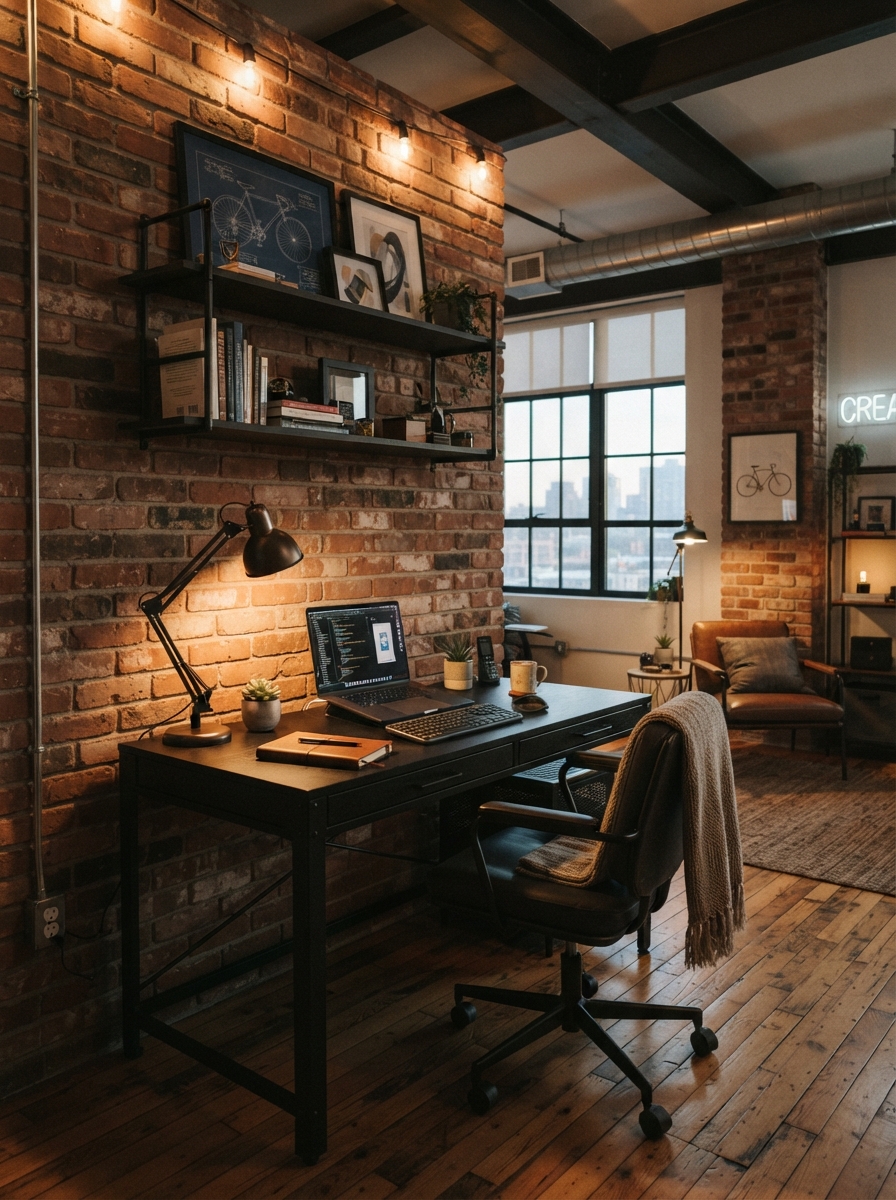
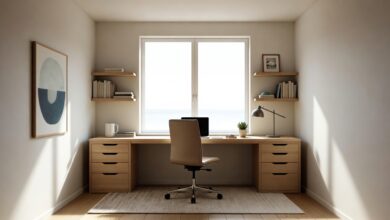
The right answer is side-on. Put the window to your left or right so daylight rakes across the desk rather than into your face or onto the screen. If the room only allows one of the bad positions, a sheer blind diffuses the worst of it.
Three layers, same as any other room
An office needs the same lighting layers as a living room, just aimed differently.
Ambient is the general fill — the ceiling light or a floor lamp bouncing off the ceiling. Its job is stopping the room going dark around your bright screen, because that contrast is another source of eye strain.
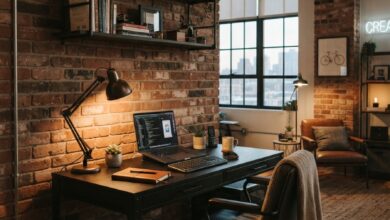
Task is the desk lamp, and it should light your paperwork and keyboard, not your monitor. Position it to the side, angled down at the desk surface.
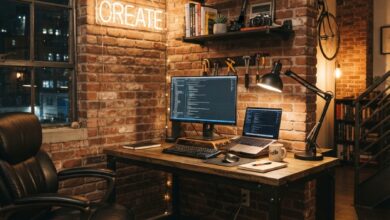
Bias light is the one people skip and the one that helps most. A small light behind the monitor, washing the wall, dramatically reduces the contrast between the screen and the dark wall behind it. A cheap LED strip taped to the back of the monitor does the job.
Getting the lamp position right
A desk lamp on the wrong side casts your own hand’s shadow across whatever you are writing on. If you are right-handed, the lamp goes on your left, and vice versa.
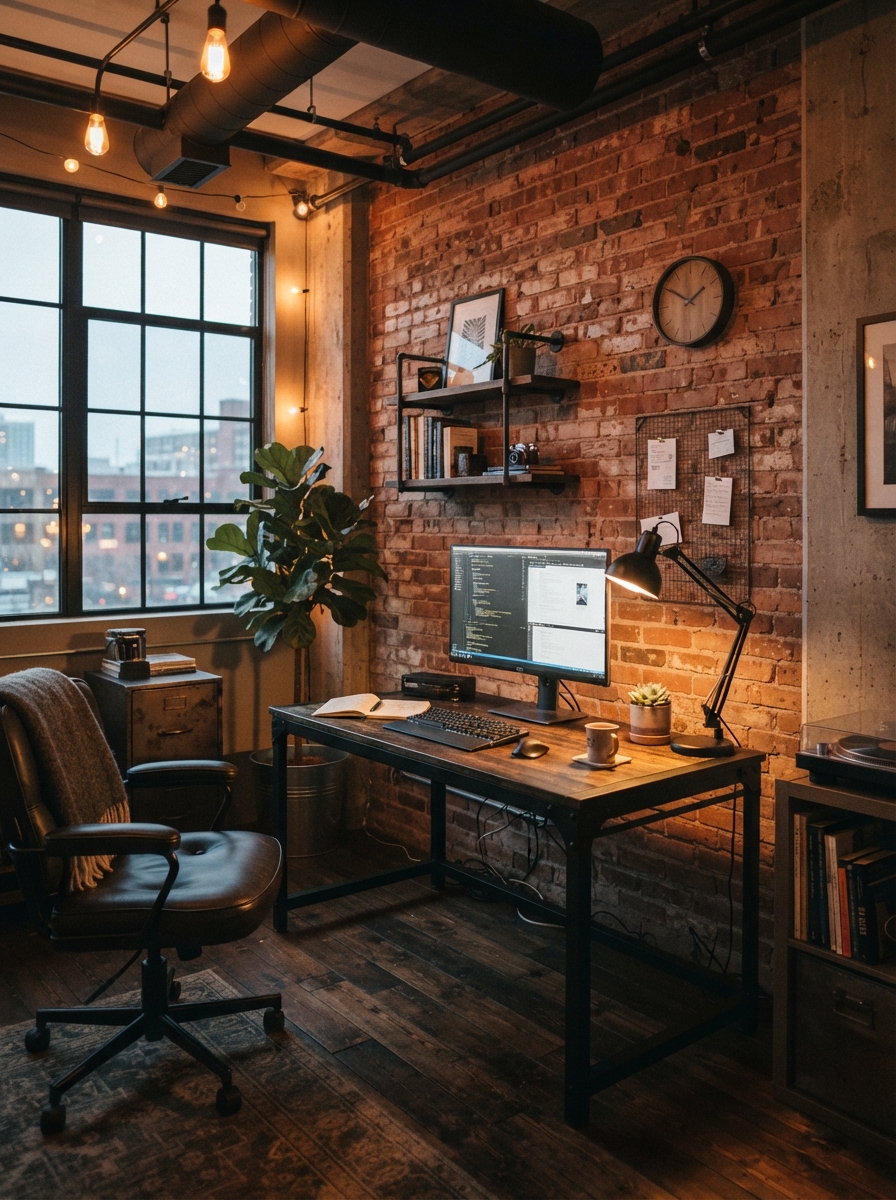
Height matters too. The bulb should sit above your eye line when you are seated, so you never see the bulb itself — only the pool of light it makes. If you can see the filament from your normal working position, the lamp is too low or angled wrong.
Bulb temperature: cooler for work, warmer to finish
Colour temperature genuinely affects how alert you feel, and the ideal is not the same all day.
For focused work, 4000K is the sweet spot — noticeably crisper than living room lighting without the blue clinical edge of 5000K and above. For the last hour of the day, or if the office shares a room you relax in, 2700K to 3000K is far more comfortable.
The easy solution is a smart bulb or a lamp with a temperature switch, so one fitting covers both. If you are choosing a single fixed temperature, 3500K splits the difference reasonably.
Cheap fixes that make a real difference
A matte screen or an anti-glare filter kills reflections if your desk position genuinely cannot move.
A bias light strip behind the monitor costs around $15 and is the single highest-impact change for evening work.
A dimmer on the main light lets you drop the ambient level in the evening instead of choosing between full brightness and off.
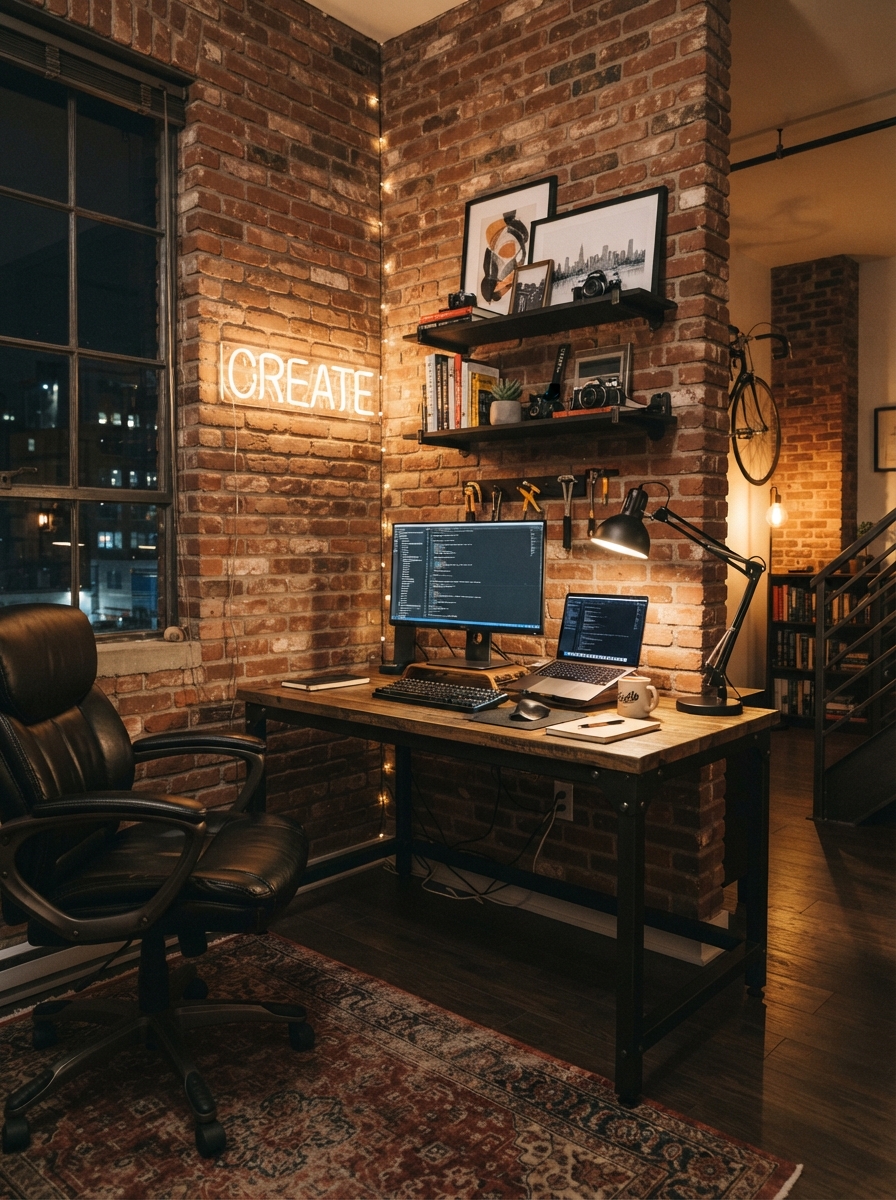
If the workspace shares a room with your living area, our aesthetic living room ideas cover blending the two so the office lighting does not take over the room. See also: small Home office ideas for any room (2026). If you want to go further, 10 Home office decor ideas that boost productivity covers it in detail. If you want to go further, 35 aesthetic bedroom ideas for every style & budget (2026) covers it in detail.
Common Home Office Lighting Mistakes
The most common home office lighting mistake is relying on a single ceiling fixture. It lights the top of your head, puts a shadow across the desk and creates glare on the screen. Add a desk lamp positioned on the opposite side from your writing hand and a softer lamp or wall light behind the monitor to balance the contrast.
The second mistake is using cool, very bright bulbs everywhere. Cool white light (around 4000K) helps during focused work, but a room lit only that way feels harsh by late afternoon. A dimmable bulb or a second warm lamp lets you shift the mood once the work day ends.
Third, people forget the screen itself is a light source. If the room is much darker than the monitor, your eyes keep adjusting between the two. A monitor light bar or bias lighting behind the screen narrows that gap and makes long sessions more comfortable.
Finally, check your video calls. Light from in front of you, slightly above eye level, is the most flattering. A window behind you turns you into a silhouette, so either move the desk or add a soft light facing you. Good home office lighting is really about these small corrections, not about buying expensive fixtures.
Frequently asked questions
Where should a desk go in relation to the window?
Side-on, with the window to your left or right. Facing the window means staring into a bright light all day; having your back to it puts daylight straight onto the screen and creates reflections. If neither is avoidable, use a sheer blind to diffuse the light.
What colour temperature is best for a home office?
Around 4000K for focused work — crisp without being clinical. Drop to 2700K–3000K in the evening, or if the office shares a room you relax in. A bulb with a switchable temperature covers both from one fitting.
Which side should a desk lamp go on?
The opposite side to your writing hand. Right-handed people should put the lamp on the left, so your hand does not cast a shadow across what you are working on.
Do bias lights behind a monitor actually help?
Yes, particularly for evening work. A bright screen against a dark wall forces your eyes to keep adjusting between extremes. A soft light washing the wall behind the monitor closes that gap, and a basic LED strip does it for around $15.

2 Comments